在 Codex app 中,worktrees 让 Codex 可以在同一个 project 中运行多个 independent tasks,彼此互不干扰。对于 Git repositories,automations 会在 dedicated background worktrees 上运行,避免与你正在进行的工作冲突。在没有 version control 的项目中,automations 会直接在 project directory 中运行。你也可以手动在 worktree 上启动 threads,并使用 Handoff 在线程的 Local 和 Worktree 之间移动。
什么是 worktree
Worktrees 只适用于属于 Git repository 的项目,因为它们底层使用 Git worktrees。worktree 允许你为 repository 创建第二份副本(“checkout”)。每个 worktree 都有 repo 中每个文件的独立副本,但它们共享关于 commits、branches 等的同一份 metadata(.git folder)。这让你可以并行 checkout 并处理多个 branches。
术语
Local checkout:你创建的 repository。在 Codex app 中有时简称为 Local。
Worktree:在 Codex app 中从你的 local checkout 创建出来的 Git worktree。
Handoff:在线程的 Local 和 Worktree 之间移动 thread 的流程。Codex 会处理所需的 Git operations,安全地在两者之间移动你的工作。
为什么使用 worktree
与 Codex 并行工作,同时不干扰你当前的 Local setup。
在你专注 foreground 工作时,把 background work 排队交给 Codex。
当你准备 inspect、test 或更直接 collaborate 时,再把 thread 移入 Local。
开始使用
Worktrees 需要 Git repository。请确保你选择的 project 位于 Git repository 中。
选择 “Worktree”
在 new thread view 中,在 composer 下方选择 Worktree。也可以选择一个 local environment,为 worktree 运行 setup scripts。
选择 starting branch
在 composer 下方,选择 worktree 要基于的 Git branch。它可以是你的 main / master branch、feature branch,或带有 unstaged local changes 的 current branch。
提交你的 prompt
提交 task 后,Codex 会基于你选择的 branch 创建 Git worktree。默认情况下,Codex 在 detached HEAD 中工作。
选择在哪里继续工作
准备好后,你可以直接在 worktree 上继续工作,也可以把 thread hand off 到你的 local checkout。向 local hand off 或从 local hand off 会移动你的 thread 和 code,让你可以在另一个 checkout 中继续。
在 Local 和 Worktree 之间工作
Worktrees 的使用感受很像你的 local checkout。区别在于它们处在 workflow 的哪个位置。你可以把 Local 理解为 foreground,把 Worktree 理解为 background。Handoff 让你可以在线程的两者之间移动。
在底层,Handoff 会处理在两个 checkouts 之间安全移动工作的 Git operations。这很重要,因为 Git 同一时间只允许一个 branch 在一个地方 checkout。如果你在 worktree 上 checkout 某个 branch,就不能同时在 local checkout 中 checkout 它,反之亦然。
实际使用中有两条常见路径:
Work exclusively on the worktree。这个路径最适合你可以直接在 worktree 上验证 changes 的情况,例如你已经通过 local environment setup script 安装了 dependencies 和 tools。
Hand the thread off to Local。当你想把 thread 带到 foreground 时使用这个路径,例如你想在常用 IDE 中检查 changes,或只能运行一个 app instance。
选项 1:在 worktree 上工作
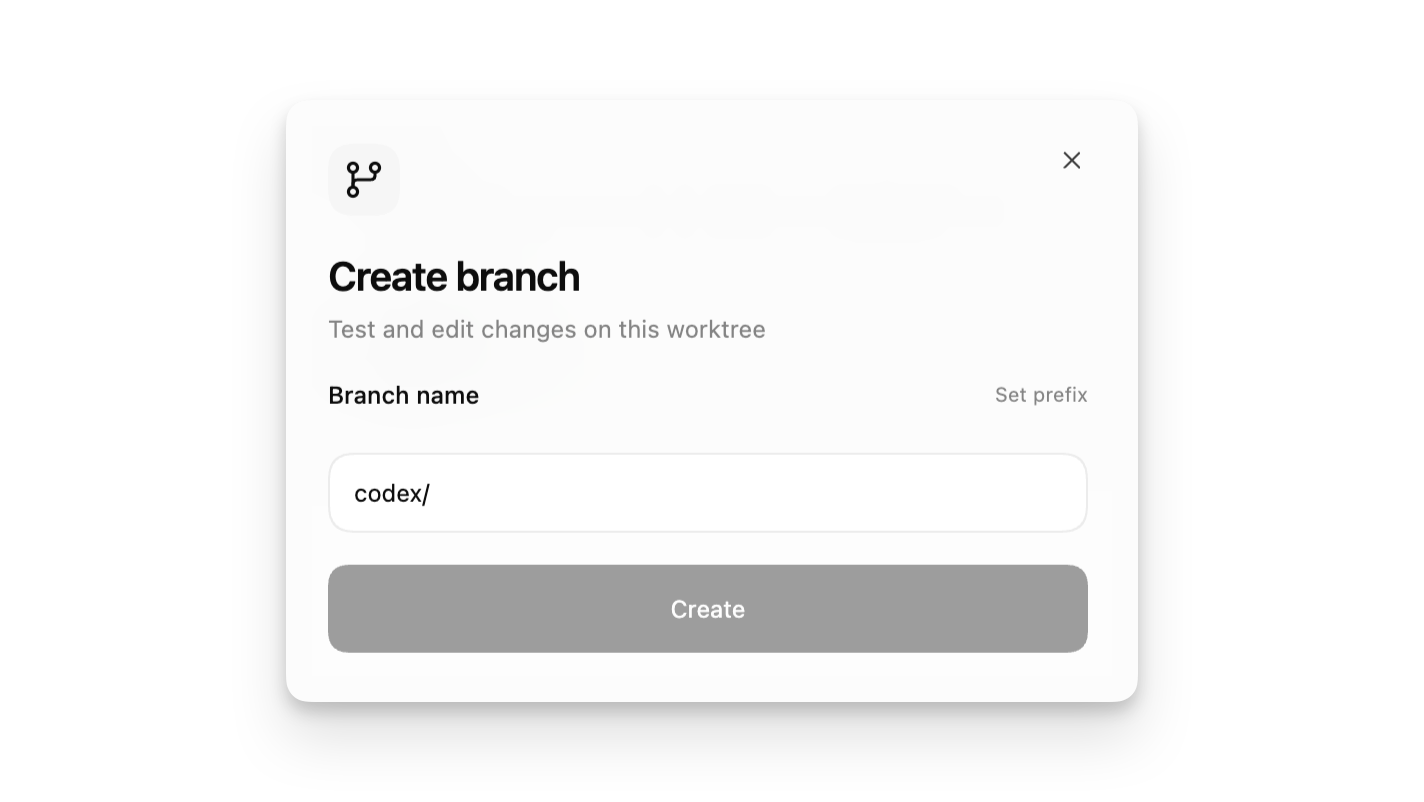
如果你想带着 changes 继续只在 worktree 上工作,请使用 thread header 中的 Create branch here 按钮,把 worktree 转成一个 branch。
从这里,你可以 commit changes、把 branch push 到 remote repository,并在 GitHub 上打开 pull request。
你可以使用 header 中的 “Open” button 在 IDE 中打开 worktree,使用 integrated terminal,或执行任何需要在 worktree directory 中完成的操作。
请记住,如果你在 worktree 上创建 branch,就不能在任何其他 worktree 中 checkout 它,包括你的 local checkout。
选项 2:把 thread hand off 到 Local
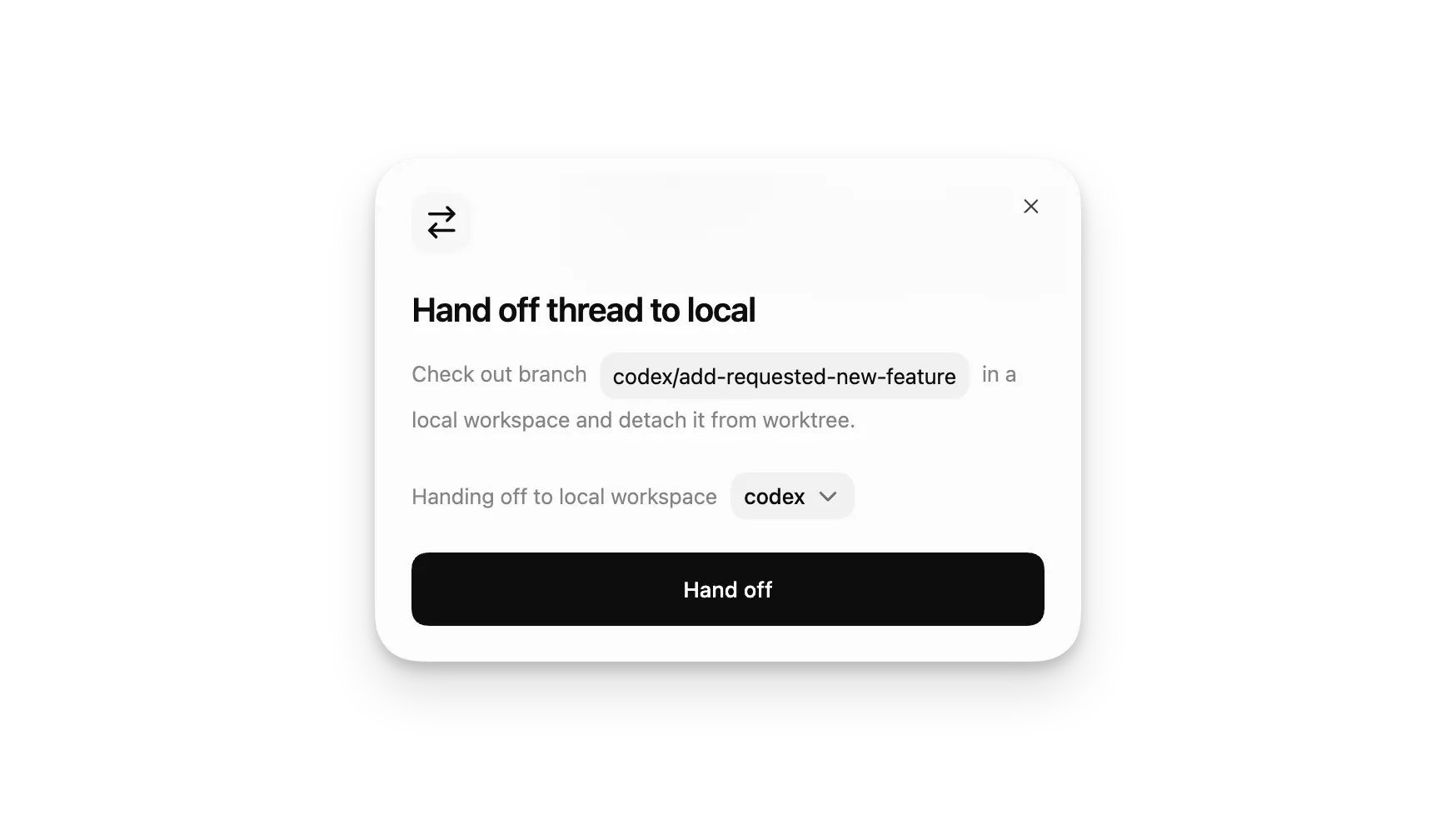
如果你想把 thread 带到 foreground,请点击 thread header 中的 Hand off,并把它移动到 Local。
当你想在常用 IDE window 中阅读 changes、运行已有 development server,或在日常使用的同一环境中验证工作时,这条路径很合适。
Codex 会处理在 worktree 和你的 local checkout 之间安全移动 thread 所需的 Git steps。
每个 thread 会长期保留同一个 associated worktree。如果你稍后把 thread hand back 到 worktree,Codex 会把它返回到同一个 background environment,让你从离开的地方继续。
你也可以反向操作。如果你已经在 Local 中工作,并希望释放 foreground,可以使用 Hand off 把 thread 移动到 worktree。当你希望 Codex 在 background 中继续工作,同时你把注意力切回本地其他事情时,这很有用。
由于 Handoff 使用 Git operations,任何属于 .gitignore 的 files 都不会随 thread 移动,除非 Codex 把它们复制到带有 .worktreeinclude 的 local managed worktree 中。
高级细节
Codex-managed 和 permanent worktrees
默认情况下,threads 使用 Codex-managed worktree。这类 worktree 设计得轻量且可丢弃。Codex-managed worktree 通常专用于一个 thread;如果你稍后把该 thread hand back 到那里,Codex 会把它返回到同一个 worktree。
如果你想要 long-lived environment,请从 sidebar 中 project 的 three-dot menu 创建 permanent worktree。这会创建一个新的 permanent worktree,并把它作为自己的 project。Permanent worktrees 不会自动删除,并且你可以从同一个 worktree 启动多个 threads。
Codex 如何为你管理 worktrees
Codex 会在 $CODEX_HOME/worktrees 中创建 worktrees。starting commit 会是你启动 thread 时选择的 branch 的 HEAD commit。如果你选择了带有 local changes 的 branch,这些 uncommitted changes 也会被应用到 worktree。worktree 不会作为 branch checkout;它会处于 detached HEAD state。这让 Codex 可以创建多个 worktrees,而不会污染你的 branches。
把 ignored local files 复制到 managed worktrees
Local Codex-managed worktrees 从 Git checkout 开始,因此 tracked files 已经存在。如果你的 repository 忽略了新 worktree 需要的 local setup files,请在 repository root 添加 .worktreeinclude file,并列出 ignored paths 或 .gitignore-style patterns,让 Codex 创建 managed worktree 时复制它们。
将它用于 Git 有意忽略的 files,例如 .env、.env.local 或 config/secrets.json。Codex 只会复制匹配 .worktreeinclude 的 ignored files;不会复制其他 Git 不跟踪的 local files。不要列出 tracked files。
Codex 会自动把 ignored AGENTS.override.md 复制到 local managed worktrees 中,因此你不需要把它列入 .worktreeinclude。
# .worktreeinclude .env .env.local config/secrets.jsonCodex 会跳过 source symlinks,也不会覆盖 new checkout 中已经存在的 files。这个行为适用于 local Codex app managed worktrees,不适用于 remote worktrees 或你自己从 command line 创建的 Git worktrees。
Branch 限制
假设 Codex 在某个 worktree 上完成了一些工作,而你选择使用 Create branch here 在其上创建 feature/a branch。现在你想在 local checkout 上尝试它。如果你试图 checkout 该 branch,会看到以下 error:
fatal: 'feature/a' is already used by worktree at '<WORKTREE_PATH>'要解决这个问题,你需要在 worktree 上 checkout 另一个 branch,而不是 feature/a。
如果你计划在本地 checkout 该 branch,请使用 Handoff 把 thread 移入 Local,而不是试图在两个地方同时 checkout 同一个 branch。
Git 会阻止同一个 branch 同时在多个 worktree 中 checkout,因为 branch 表示一个 single mutable reference(refs/heads/<name>),其含义是某个 working tree 的 “current checked-out state”。
当 branch 被 checkout 时,Git 会把它的 HEAD 视为由该 worktree 拥有,并期望 commits、resets、rebases 和 merges 等 operations 以明确定义、串行化的方式推进该 reference。允许多个 worktrees 同时 checkout 同一 branch,会让哪个 worktree 的 operations 更新 branch reference 变得模糊并产生 race conditions,可能导致 lost commits、inconsistent indexes 或不清楚的 conflict resolution。
通过强制 one-branch-per-worktree rule,Git 保证每个 branch 都有一个 single authoritative working copy,同时仍允许其他 worktrees 通过 detached HEADs 或 separate branches 安全引用相同 commits。
Worktree cleanup
Worktrees 可能占用大量 disk space。每个 worktree 都有自己的一组 repository files、dependencies、build caches 等。因此,Codex app 会尝试把 worktrees 数量保持在合理限制内。
默认情况下,Codex 会保留你最近的 15 个 Codex-managed worktrees。如果你希望自己管理 disk usage,可以在 settings 中更改这个 limit 或关闭 automatic deletion。
Codex 会尽量避免删除仍然重要的 worktrees。Codex-managed worktrees 在以下情况下不会被自动删除:
有 pinned conversation 与它关联。
thread 仍在进行中。
该 worktree 是 permanent worktree。
Codex-managed worktrees 会在以下情况下自动删除:
你 archive 关联 thread。
Codex 需要删除较旧 worktrees,以保持在你配置的 limit 内。
在删除 Codex-managed worktree 前,Codex 会保存其上工作的 snapshot。如果你在 worktree 被删除后打开 conversation,会看到 restore 它的选项。
常见问题
目前不可以。Codex 会在 $CODEX_HOME/worktrees 下创建 worktrees,以便一致地管理它们。
可以。使用 thread header 中的 Hand off,在 local checkout 和 worktree 之间移动 thread。Codex 会处理在 environments 之间安全移动 thread 所需的 Git operations。如果你稍后把 thread hand back 到 worktree,Codex 会把它返回到同一个 associated worktree。
即使底层 worktree directory 被删除,threads 也可以保留在你的 history 中。对于 Codex-managed worktrees,Codex 会在删除 worktree 前保存 snapshot;如果你重新打开关联 thread,会提供 restore 选项。Permanent worktrees 在你 archive 其 threads 时不会自动删除。