原文核对:2026-10-13 · 中文正文 · 英文提示词与演示
场景定位
使用 Codex Security 插件将已审阅的安全发现转为聚焦的补丁,在本地审查、应用并验证,再附上证据准备拉取请求。
- 难度
- 中级
- 时间跨度
- 1 小时
适合用于
- 准备处理 Codex Security 扫描中已审阅发现的开发者。
- 希望先检查补丁再在本地应用的维护者。
- 需要同时查看安全修复和验证证据的审阅者。
相关工具
针对一项已审阅的安全发现生成聚焦补丁并验证,保留验证证据。
Codex Security:fix Finding ↗开始之前
在 Codex 中打开被扫描的仓库,安装并启用 Codex Security 插件。准备一项已经审阅并决定处理的发现。如果还没有扫描,请先阅读“运行首次安全扫描”。
修复发现
- 打开并审阅发现:从 Findings 或 Scans 中已完成的扫描打开一项发现。阅读受影响代码、报告的影响及支持证据。确认修复应阻止什么行为,以及哪些合法行为必须继续正常工作。如果证据不清楚,先调查,再生成补丁。
- 生成聚焦补丁:选择 Patch 标签页,再选择 Generate patch。Codex 会在可行时验证或复现问题,并生成建议补丁。生成补丁不会修改所选检出目录。
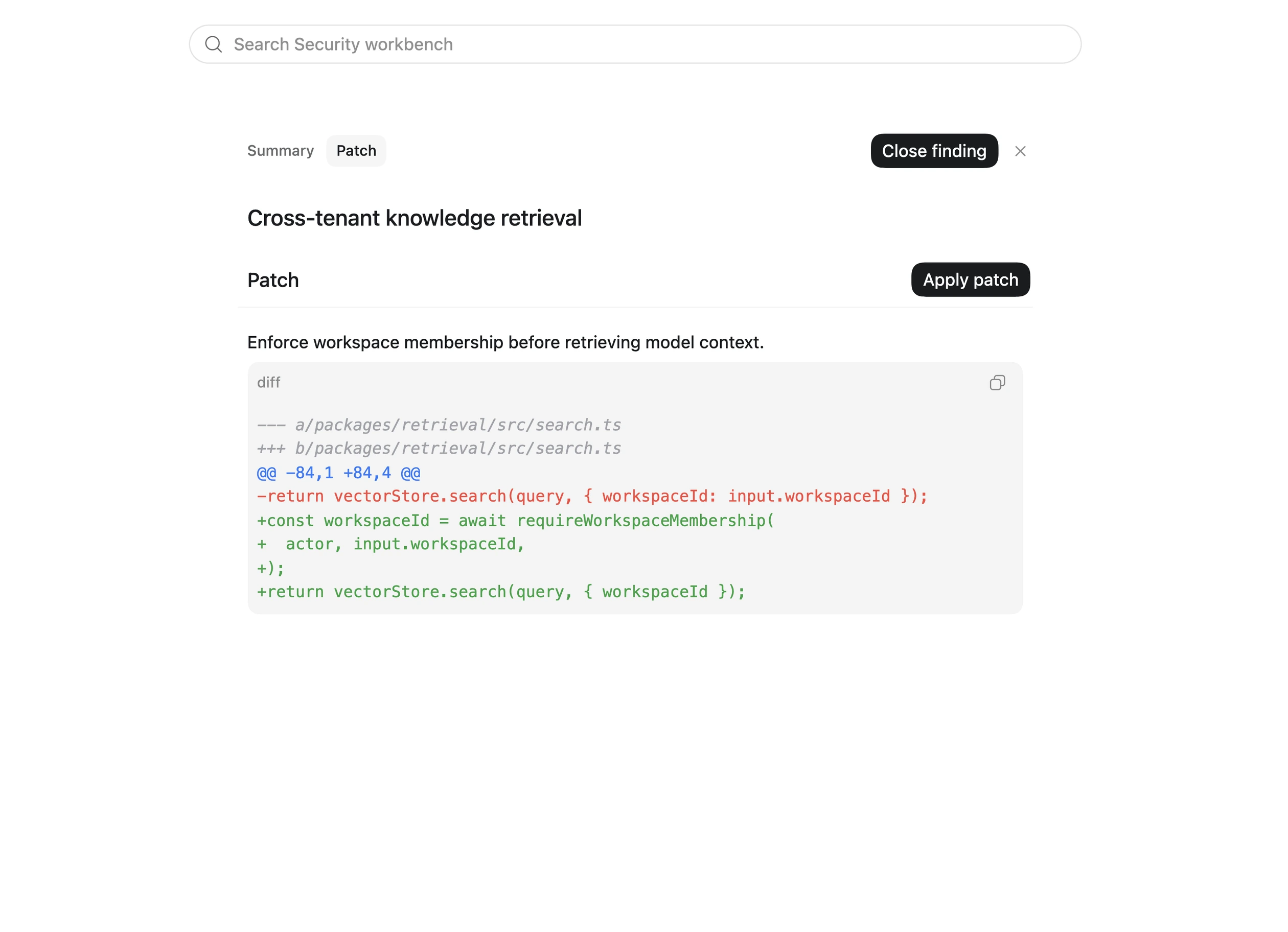
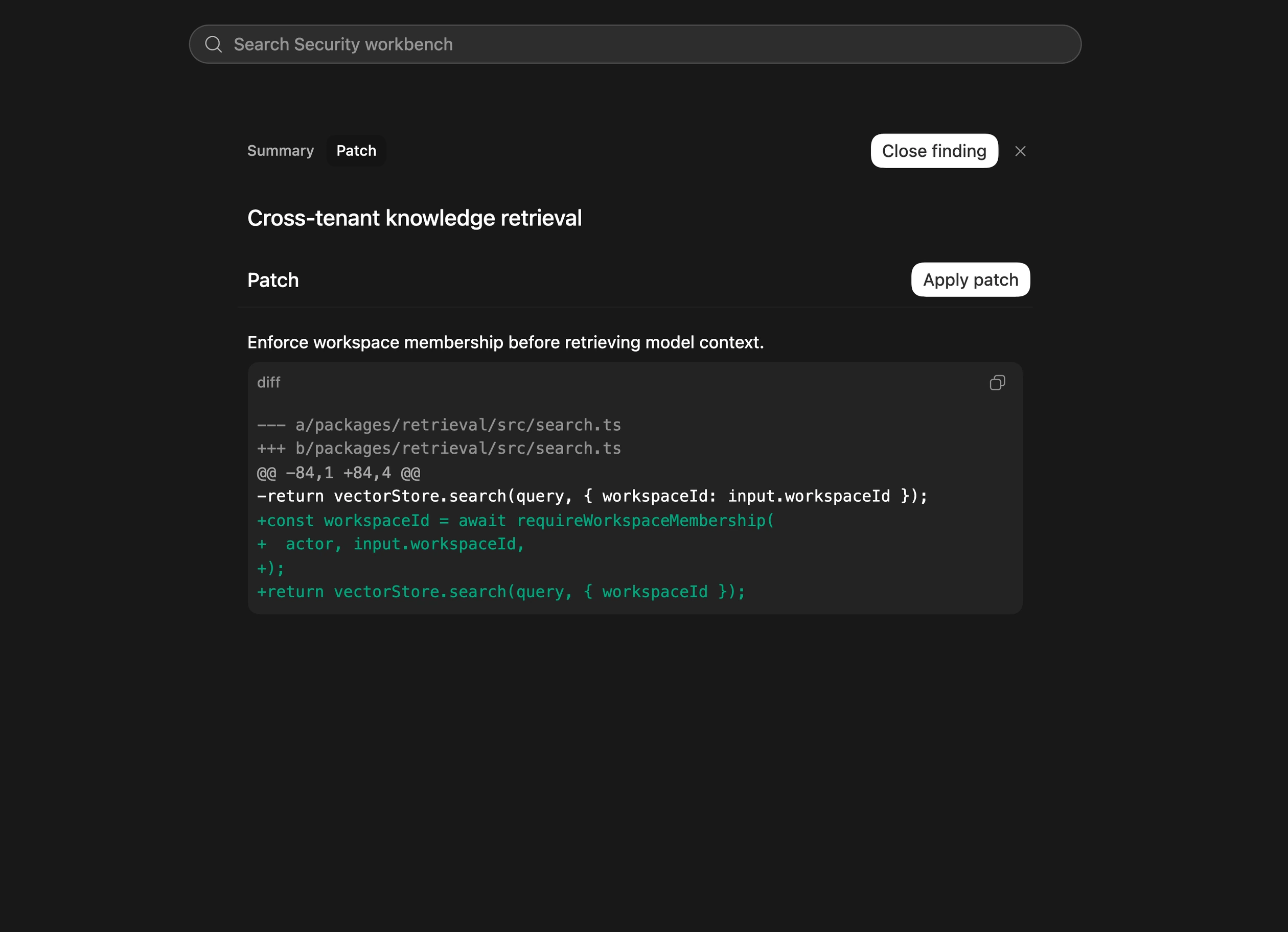
- 审查并应用补丁:检查建议的差异,包括回归测试和验证产物。确认改动解决发现并保留预期行为;继续之前先处理无关改动或过大的重构。准备好后选择 Apply patch,再检查工作区差异。页面中的补丁示例来自安全文档,并非执行本教程的结果;应用前必须审查自己的差异。
- 验证修复:选择 Verify fix。检查证据,确认原先的漏洞行为无法再复现,合法行为仍然正常。在安全且实际可行时,聚焦的回归测试应在修复前失败、修复后通过。如果验证不完整,审阅说明的限制并确定还需哪些测试。应用了补丁本身不能证明漏洞已修复。
- 准备审阅:检查最终差异,按团队正常开发流程准备拉取请求。包括发现及被纠正的行为、相关代码改动、验证命令和结果,以及剩余不确定性或后续测试。验证不会自动关闭发现,应按团队审阅与发布流程明确更新状态。
审阅结果
最终应有一份聚焦补丁、说明 Codex 验证了什么的证据,以及足够让另一位开发者审阅改动的背景。如果验证无法确认修复有效,应明确保留这一缺口。
更多细节见“修复并验证安全发现”。处理已有报告或工单时,可以使用“清理漏洞积压”。
展开英文原文对照
Use the Codex Security plugin to turn a reviewed scan finding into a focused patch. Review and apply the change locally, verify the fix, and prepare a pull request with supporting evidence.
Before you start
Open the scanned repository in Codex with the Codex Security plugin installed and enabled. You’ll need a finding you’ve reviewed and decided to address. If you haven’t run a scan yet, start with Run your first security scan.
Fix the finding
- Open and review the finding Open the finding from Findings or a completed scan in Scans. Read the affected code, the reported impact, and the evidence supporting the finding. Confirm what the fix should prevent and which legitimate behavior must continue to work. If the evidence is unclear, investigate the finding before moving to a patch.
- Generate a focused patch Select the Patch tab, then Generate patch. Codex validates or reproduces the issue when feasible and generates a proposed patch. Generating the patch does not modify your selected checkout.
- Review and apply the patch Inspect the proposed diff, including any regression tests or validation artifacts. Check that the change addresses the finding and preserves expected behavior. Resolve unrelated changes or broader refactors before proceeding. When the patch is ready, select Apply patch. Review the resulting working-tree diff. Example patch from the security docs, not the result of running this walkthrough. Review your own diff before applying it.
- Verify the fix Select Verify fix. Review the evidence that the original vulnerable behavior no longer reproduces and legitimate behavior still works. When safe and practical, a focused regression test should fail before the fix and pass afterward. If verification is incomplete, review the stated limitation and determine what additional testing is needed. An applied patch alone does not establish that the vulnerability is fixed.
- Prepare the change for review Review the final diff and prepare a pull request through your normal development workflow. Include: The finding and the behavior the patch corrects. The relevant code changes. The verification commands and results. Any remaining uncertainty or follow-up testing. Verification does not automatically close the finding. Update its status deliberately according to your team’s review and release process.
Review the result
You should have one focused patch, evidence showing what Codex verified, and enough context for another developer to review the change. If verification could not establish that the fix works, keep that gap explicit.
For more detail, see Fix and verify security findings. To work through existing reports or tickets, use Remediate a vulnerability backlog.